

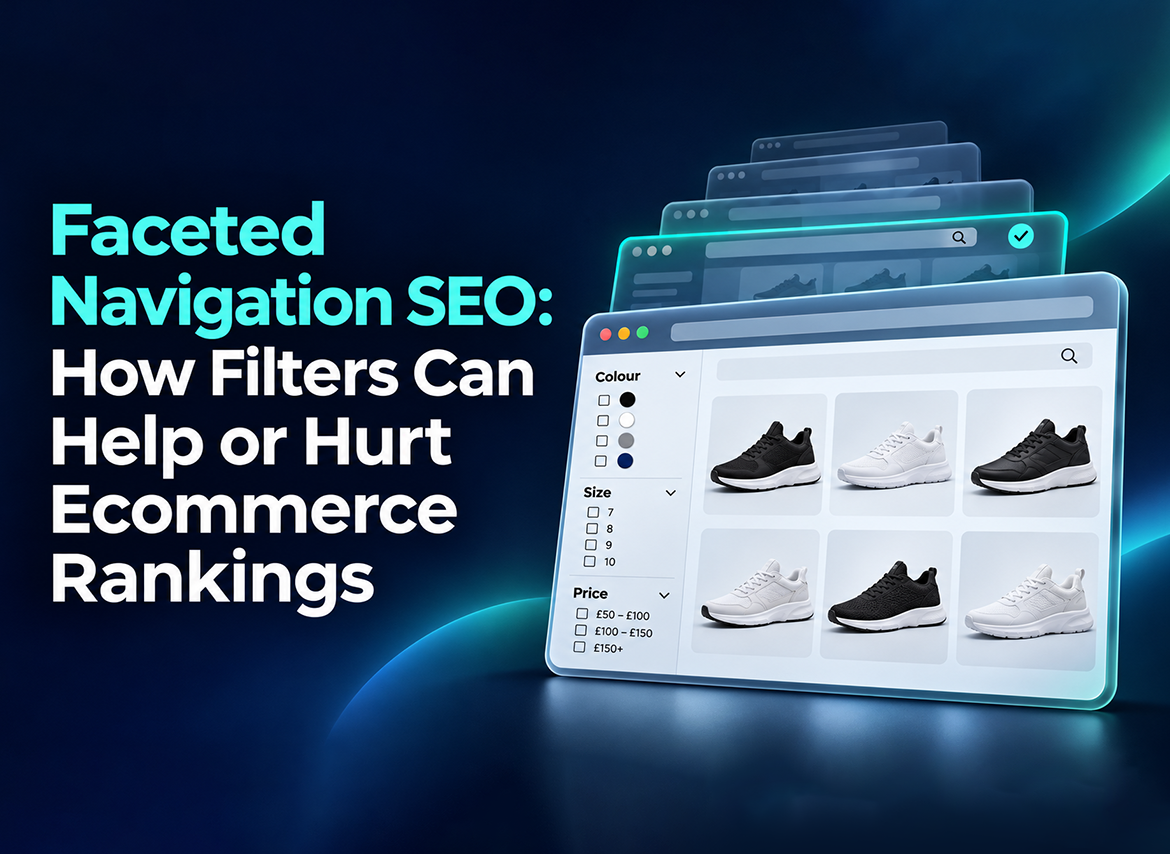

Imagine you are running an online shoe shop. A shopper picks “black”, “size 6” and “under £80”. In seconds, a long list becomes a short set of shoes she might buy.
For her, the filters work well. Behind the scenes, each choice may create a new URL. Add brands, widths and sort options, and the number of addresses can grow fast.
This is where a helpful shop feature can turn into an SEO problem. The answer is to keep the filters and give their URLs a clear plan.
What Is Faceted Navigation SEO?
The name sounds more complex than the idea. A facet is a trait, such as colour, size, or brand. Shoppers can pick more than one trait to narrow the list.
How Filters Change Your URLs
Your shop might start at /shoes/ and create /shoes/?colour=black when someone selects black. Add a size, and the address may change again.
The sort of option is slightly different. “Price: low to high” can show the same products in a new order. It may still create another URL, even though there is no new range to show search users.
You need to decide how search engines should treat these pages. Each new filter should fit that plan.
When Filters Can Help Ecommerce Rankings
Back at the shoe shop, some filter choices match what people search for. Those are worth a closer look before you hide every filtered page from Google.
Build Pages Around Real Demand
“Black running shoes” could deserve a clear landing page if people search for it and you stock a useful range. A page for one size, price and sort of order may be less useful in search.
Check search terms and sales to pick your best pages. Give each page a clear heading and useful facts. Link to it from the right parts of your shop. Avoid pages that differ only by a few words.
Keep the Shopping Job Simple
Good filters help people reach products without starting the search again. Show which filters are in use. Make them easy to clear. On the phone, check that shoppers can see the results after they tap a choice.
Our ecommerce CRO checklist covers more checks that help shoppers move from browsing to buying.
How Filter Pages Can Hurt Search Performance
The risk grows when the site creates URLs faster than it adds useful pages. Two problems often appear together.
Too Many Pages Look Alike
Many URLs may show the same stock. This is known as duplicate content. It makes the main page less clear. It is not proof that your site has received a penalty.
A canonical tag points to the preferred version of a duplicate or very similar page. Google’s canonical URL guide explains that this is a signal, not an absolute rule. Pointing every filtered page to the main category can also work against pages you want to rank.
Crawling Gets Spent on Weak URLs
Googlebot visits pages to learn what is on them. Too many filter URLs can draw those visits away from new stock. Google’s faceted navigation guidance highlights both excess crawling and slower discovery of useful URLs.
Crawl budget tends to matter more for shops with lots of URLs. A small store should check the evidence before treating it as the cause of poor rankings.
Give Each Type of Filter Page a Clear Job
Start with one range, such as shoes. List its filter URLs, then choose the right approach for each group. Crawling and indexing need different controls.
Keep Valuable Pages Open
Let Google crawl pages you want in search. Keep them free of no index rules and use a canonical that points to the page itself when it is the preferred version.
Link to these pages from your store. Put their preferred URLs in your XML sitemap, the file that lists key pages. Make sure people and bots can reach your stock without using filters.
Use no-index for Search Exclusion
A no-index rule tells Google not to keep a page in its search results. Google must crawl the page to read that rule.
As Google’s noindex guide explains, blocking the same URL in robots.txt can stop Google seeing it. Noindex is not a quick way to save crawl resources, since Google must fetch the page first.
Control Crawling with Care
Robots.txt can block crawling of unwanted filter patterns. It does not reliably remove URLs already in search. Plan their removal first, and test rules so useful categories stay open.
Avoid creating endless sort-order variants. For impossible or empty filter combinations, Google’s guidance recommends a 404 response. Do not send every empty result to the homepage.
Check the Results Without Losing Useful Traffic
Once the changes are live, compare your chosen pages in Google Search Console. Check clicks, impressions and indexing, then review orders from organic search. Server logs can show which URLs Googlebot visits.
Test filters on phones too. A cleaner crawl setup should still let people shop with ease. Our guide to Core Web Vitals explains why the response after a click matters.
If you need help sorting out filter pages, Cresconnect’s ecommerce SEO service includes technical SEO work. It’s ecommerce CRO service can help check how well the shop works for buyers.
Frequently Asked Questions
Here are the main points to check before you change your filter setup.
Should every filtered page appear on Google?
No. Choose pages with clear search demand and useful stock. Many size, price and sort combinations can serve shoppers without needing their own search result.
Does a canonical tag stop Google crawling a page?
No. A canonical tag suggests the preferred version of similar content. Google can still crawl to the other URL and may choose a different canonical.
Can I use robots.txt and no index together?
Do not block a page Google needs to crawl to read no index. Choose the control that fits your goal, and plan changes in the right order.