


A website can look polished and still be frustrating to use. The main product image takes too long to appear. A filter pauses after you click it. A button shifts just as you are about to tap it.
These are the kinds of problems Core Web Vitals are designed to measure.
Google’s performance metrics have evolved since they were introduced, with Interaction to Next Paint (INP) replacing First Input Delay (FID) as the biggest change. But Core Web Vitals have not disappeared from SEO. Google confirms that they are used by its ranking systems, while making it clear that good scores alone do not guarantee higher rankings.
For ecommerce businesses, the value goes beyond rankings. Better performance can make it easier for customers to browse products, use filters, compare options and complete purchases without unnecessary friction.
What Are Core Web Vitals and What Do They Measure?
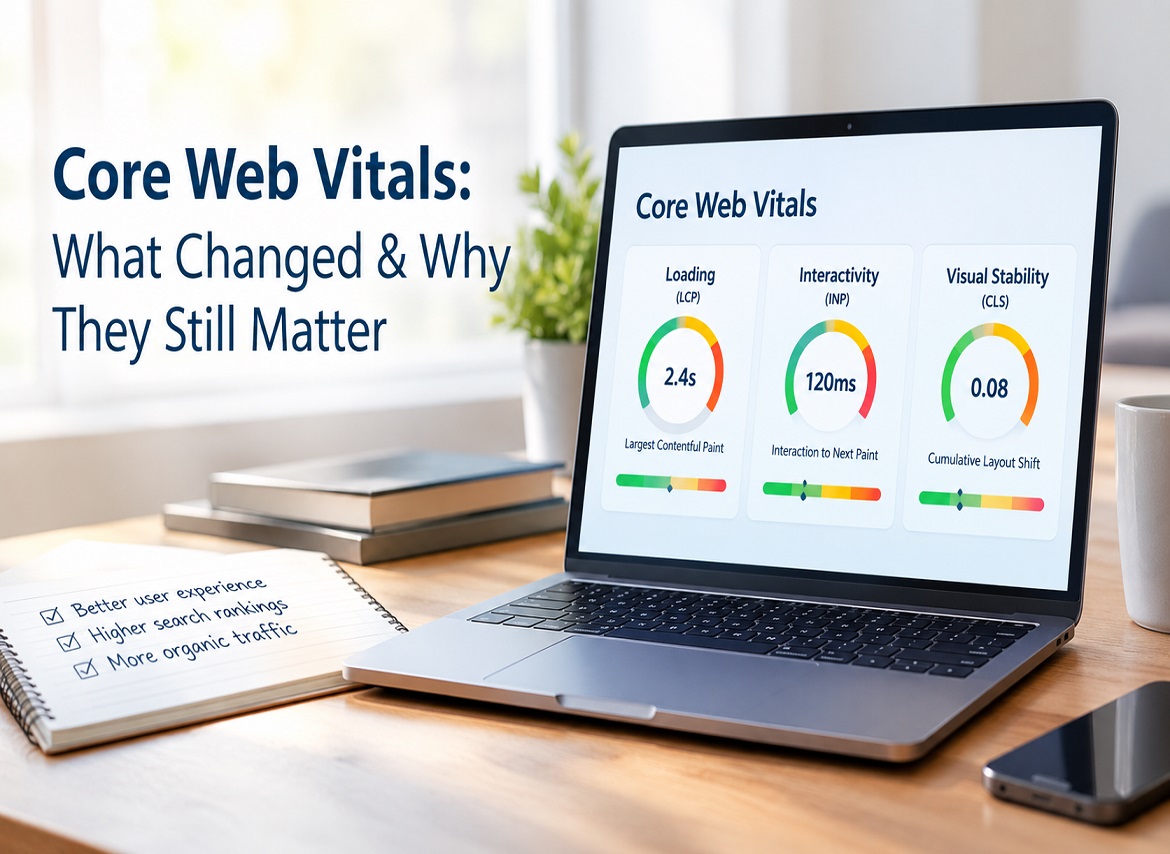
Core Web Vitals are Google’s metrics for measuring real-world loading performance, responsiveness and visual stability. The current set includes Largest Contentful Paint (LCP), Interaction to Next Paint (INP) and Cumulative Layout Shift (CLS).
Core Web Vital | What It Measures | Good Threshold |
Large Contentful Paint (LCP) | How quickly the main content becomes visible | ≤ 2.5 seconds |
Interaction to Next Paint (INP) | How quickly a page responds to interactions | ≤ 200 ms |
Cumulative Layout Shift (CLS) | How visually stable the page remains | ≤ 0.1 |
Google recommends assessing these metrics at the 75th percentile of page visits, separately across mobile and desktop. In simple terms, the experience needs to perform well for most users, not just during one ideal test.
This distinction matters. Website performance is not defined by how quickly a developer can load a page on fast Wi-Fi. It is about what customers experience across different devices, connections and browsing conditions.
What Has Changed in Core Web Vitals?
The most significant change is that Interaction to Next Paint replaced First Input Delay as the responsiveness Core Web Vital.
FID only measured the delay before a browser began processing the first user interaction. INP goes further by assessing responsiveness across interactions throughout a page visit.
That makes INP particularly relevant for ecommerce websites.
A shopper may load a product page quickly, then select a size, change a colour, open an accordion, apply a filter or add something to their basket. If those interactions feel delayed, the page may still provide a poor experience despite appearing quickly at first.
INP is better equipped to identify that problem.
Have the Core Web Vitals Thresholds Changed?
The main thresholds have remained consistent:
- LCP: 2.5 seconds or less
- INP: 200 milliseconds or less
- CLS: 0.1 or less
The bigger change is therefore not about chasing new numbers. It is about measuring page responsiveness more realistically throughout the customer journey.
Do Core Web Vitals Still Affect Google Rankings?
Yes, Google says that Core Web Vitals are used as part of its ranking systems, yet they are just one of the many factors in the much wider analysis of the page quality and experience. This is a key distinction in Core Web Vitals SEO.
A page that has the LCP value of 2.4 seconds is not automatically going to rank above another page that loads in 2.7 seconds. There are many signals that Google analyzes when determining which page is more useful for the search and includes such signals as relevance and quality of the content, along with other page experience signals.
Google further notes that there is no such thing as an overall “page experience signal” – their core ranking systems take into account many different signals that relate to the delivery of good experience.
So, should Core Web Vitals be considered?
Yes, although not for the fact that getting a few milliseconds faster is going to increase the page’s ranking.
Why Do Core Web Vitals Matter for Ecommerce Websites?
Core Web Vitals are relevant for e-commerce because many of the issues addressed by the CWV metrics may happen during user actions of commercial importance.
For example, a consumer visits a product page via Google.
A hero image loads slowly. They choose the color of the item but have to wait for some time until the page reacts. When they scroll to the size selection, a promotion pops up above it.
These issues correlate with each Core Web Vitals metric directly:
- Content loading slowly → LCP
- Interaction delay → INP
- Unexpected movements on the screen → CLS
The consumer does not know about those metrics. They just see a slow or unreliable website.
Additionally, there is empirical evidence of correlation between improved performance and business benefits.
Nuvemshop, an ecommerce platform, improved the share of their stores with good LCP from 57% to 96% and raised their Core Web Vitals pass rate from 48% to 72%. The stores analyzed were located in Brazil, and mobile users coming from Google organic search had a 8.9% higher conversion rate and 8.4% higher cart engagement.
This data cannot be used as a general benchmark. Each ecommerce website is unique. However, it clearly demonstrates the reason why web performance deserves attention in addition to its impact on SEO.
What Causes Poor Core Web Vitals?
Poor Core Web Vitals rarely come from one universal problem. The cause depends on the metric, website architecture and page template.
Ecommerce sites are particularly vulnerable because product imagery, reviews, tracking scripts, merchandising apps, recommendation widgets and interactive functionality can accumulate over time.
A store may launch with excellent performance and gradually slow down as more functionality is added.
What Usually Causes Poor LCP?
Poor Largest Contentful Paint means the main visible content is taking too long to render.
Large product images are common suspects, but image size is not always the real cause. Slow server responses, render-blocking resources, lazy-loaded above-the-fold content and poor resource prioritisation can also delay LCP.
On a product page, the LCP element might be the primary product image. On a category page, it could be a large banner or text block.
That is why Core Web Vitals optimization should start with diagnosis, rather than blindly compressing every image.
The Nuvemshop case study illustrates this well. Its team initially suspected image weight or server latency but later identified CSS transitions, lazy loading and missing priority signals as significant LCP issues.
Why Can INP Be Poor Even When a Page Loads Quickly?
A fast-loading page can still have poor INP when JavaScript or other browser tasks delay its response to user interactions.
Common examples include complex product filters, variant selectors, third-party apps, large JavaScript bundles and heavy interface components.
This creates an experience where the customer can see the page but cannot interact with it smoothly.
For ecommerce websites, test the actions customers rely on most: navigation, search, product filters, size or colour selection and add-to-basket functionality.
The most important question is not simply “Did the page load?”
It is also “Did the page respond when the customer tried to use it?”
What Causes Cumulative Layout Shift?
Poor CLS occurs when visible content moves unexpectedly while someone is using the page.
Product images without reserved dimensions, late-loading promotional banners, cookie notices, web fonts and dynamically inserted recommendations can all cause layout movement.
This becomes particularly frustrating when a customer is about to click something.
A button moving a fraction of a second before a tap can send someone to the wrong destination. Preventing layout shifts therefore improves more than a technical metric. It makes the interface feel predictable.
How Should You Run a Core Web Vitals Audit?
A reliable Core Web Vitals audit should combine real-user performance data with controlled diagnostic testing.
Start With Google Search Console
Google Search Console uses field data based on the Chrome User Experience Report (CrUX) to report Core Web Vitals performance for groups of similar URLs.
CrUX reflects aggregated experiences from real Chrome users. This makes Search Console useful for discovering whether performance problems affect particular areas of a website rather than one isolated URL.
For an ecommerce store, look separately at product, category, content and landing-page templates.
Then Use PageSpeed Insights
PageSpeed Insights helps take the investigation further by bringing together real-world CrUX data and controlled performance diagnostics.
This is where the distinction between field data and lab data becomes useful.
Field data tells you what real users have experienced. Lab testing helps recreate performance under controlled conditions so developers can investigate potential causes. The two can produce different results because real visitors use different devices, connections and environments.
A perfect Lighthouse result therefore does not automatically mean every real customer experiences perfect Core Web Vitals.
Test More Than the Homepage
Testing only the homepage is one of the easiest ways to miss performance issues.
A store may have a fast homepage but slow product pages because of review apps, larger image galleries or variant functionality. Category pages may struggle because of filters and merchandising tools.
Test representative URLs from each major template and compare mobile and desktop performance.
That gives you a far more realistic website performance optimization for an SEO plan.
How Can You Improve LCP, INP and CLS?
The right remedies will depend on the findings from your audit.
When it comes to LCP, you have to pay attention to the content that users need to see on the page first. Some of the things that can help are optimization of image delivery, prioritizing the main LCP resource, minimizing render-blocking code, making server response times quicker, or caching/CDN review. As Google says, an LCP below 2.5 seconds provides a good user experience.
INP is focused on finding the things that create the delay in the performance of the browser after a user does something on the page. Usually, some heavy JavaScript processes, complex event handlers, or third-party functionality can cause it. The point is not to make the actions like filtering, variant selection, or adding products to the basket feel instant.
The CLS improvement is focused on keeping the visual stability of the page. Reserve the space for images, videos, ads, or dynamic content, and do not insert any content above already existing visible items. Also, banners, fonts, and widgets should be checked for unexpected movements. According to Google, 0.1 or less is considered a good CLS score.
The important principle in all cases is very simple:
Diagnostic first. Optimization next.
Some generic speed recommendations can take up developer’s time, not helping with the issue you have.
What Should a Core Web Vitals Optimization Checklist Include?
A practical audit does not need to become a 50-point exercise. Start with the areas most likely to reveal meaningful problems:
- Review Core Web Vitals data in Google Search Console.
- Identify affected page groups and templates.
- Test representative URLs using PageSpeed Insights.
- Compare real-user data with lab diagnostics.
- Investigate the main cause behind failing LCP, INP or CLS.
- Review third-party scripts and ecommerce apps.
- Re-test after changes and continue monitoring field data.
Remember that CrUX reflects real-user performance over time, so improvements will not necessarily appear immediately after a development change.
Do You Need a Perfect PageSpeed Score for SEO?
No. A perfect PageSpeed or Lighthouse score is not required for higher Google rankings.
Google specifically warns that chasing a perfect Core Web Vitals score purely for SEO may not be the best use of time. Good scores do not guarantee top rankings, and strong page experience involves more than Core Web Vitals alone.
A better question is:
Does the website load quickly, respond smoothly and remain stable for real users?
A technically perfect page with poor content is still a poor search result. Equally, excellent content should not have to fight against a frustrating website.
The strongest SEO strategy addresses both.
Why Should Core Web Vitals Remain Part of Technical SEO?
Core Web Vitals should remain part of technical SEO because they connect measurable website performance with the page experience Google’s ranking systems seek to reward.
They also provide something useful that broad terms such as “fast website” do not: specific metrics that teams can measure, diagnose and improve.
For ecommerce brands, regular monitoring is particularly important. A new reviews tool, analytics script, campaign banner or merchandising app can change performance without anyone intentionally altering the SEO strategy.
Core Web Vitals should therefore be treated as an ongoing health metric rather than a one-off development project.
A strong technical SEO approach considers crawlability, indexability, site architecture, content quality, Core Web Vitals and user experience together.
If you need support identifying where technical performance is limiting your ecommerce site, Cresconnect can help connect technical SEO improvements with wider organic-search objectives.
Conclusion: Core Web Vitals Still Deserve Your Attention
Core Web Vitals are changing, yet their goal is more apparent than ever.
FID is now INP, the Core Web Vitals’ role inside Google’s broader page experience strategy is more transparent, and it all should be focused on enhancing the actual user experience, not some kind of isolated score.
LCP, INP and CLS are useful measures of how to detect slow-loading pages, late interactivity, and layout instability. These factors are relevant since end users experience them first hand.
The target isn’t to get a perfect score in every tool you use for measurement. The aim is to create a website which will load fast, react when a customer expects it to and won’t break during the browsing process.
If your Core Web Vitals are lagging behind, contact us at Cresconnect to find out what aspects of your website need improvement.
FAQs
1.What are Core Web Vitals?
A: Core Web Vitals are Google’s metrics for measuring loading performance, responsiveness and visual stability through LCP, INP and CLS.
2.Do Core Web Vitals affect Google rankings?
A: Yes. Google uses Core Web Vitals in its ranking systems, but good scores alone do not guarantee higher rankings.
3.What changed in Core Web Vitals?
A: INP replaced FID as the responsiveness metric, giving Google a broader way to measure how quickly pages respond to user interactions.
4.How can I improve Core Web Vitals?
A: Improve LCP by prioritising important content, INP by reducing interaction delays and CLS by preventing unexpected layout movement.
5.What are good Core Web Vitals scores?
A: A good target is LCP at 2.5 seconds or less, INP at 200 milliseconds or less and CLS at 0.1 or less.